Developing with IntelliJ
To change OpenDC, or to debug an experiment, you can run OpenDC from its source code in IntelliJ IDEA.
Setting up the project
-
Clone the repository:
git clone https://github.com/atlarge-research/opendc.git -
Make sure Java 21 is installed. To list the installed versions:
System Command macOS /usr/libexec/java_home -VDebian/Ubuntu update-alternatives --list javaRed Hat yum list installed | grep java -
Open the
opendcfolder in IntelliJ. It is imported as a Gradle project.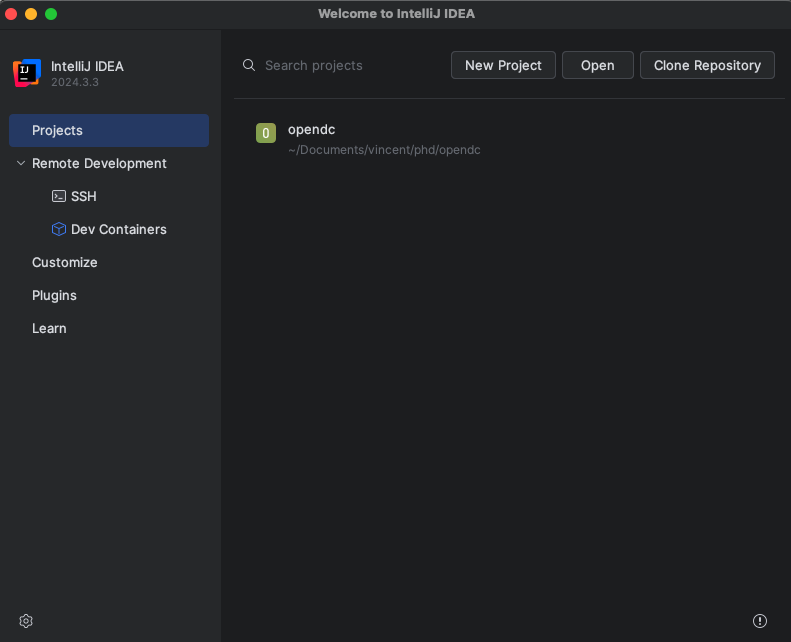
-
Set the Java version Gradle uses. In the settings, go to Build, Execution, Deployment → Build Tools → Gradle, and set Gradle JVM to Java 21. The version OpenDC needs is set by
javaingradle/libs.versions.toml.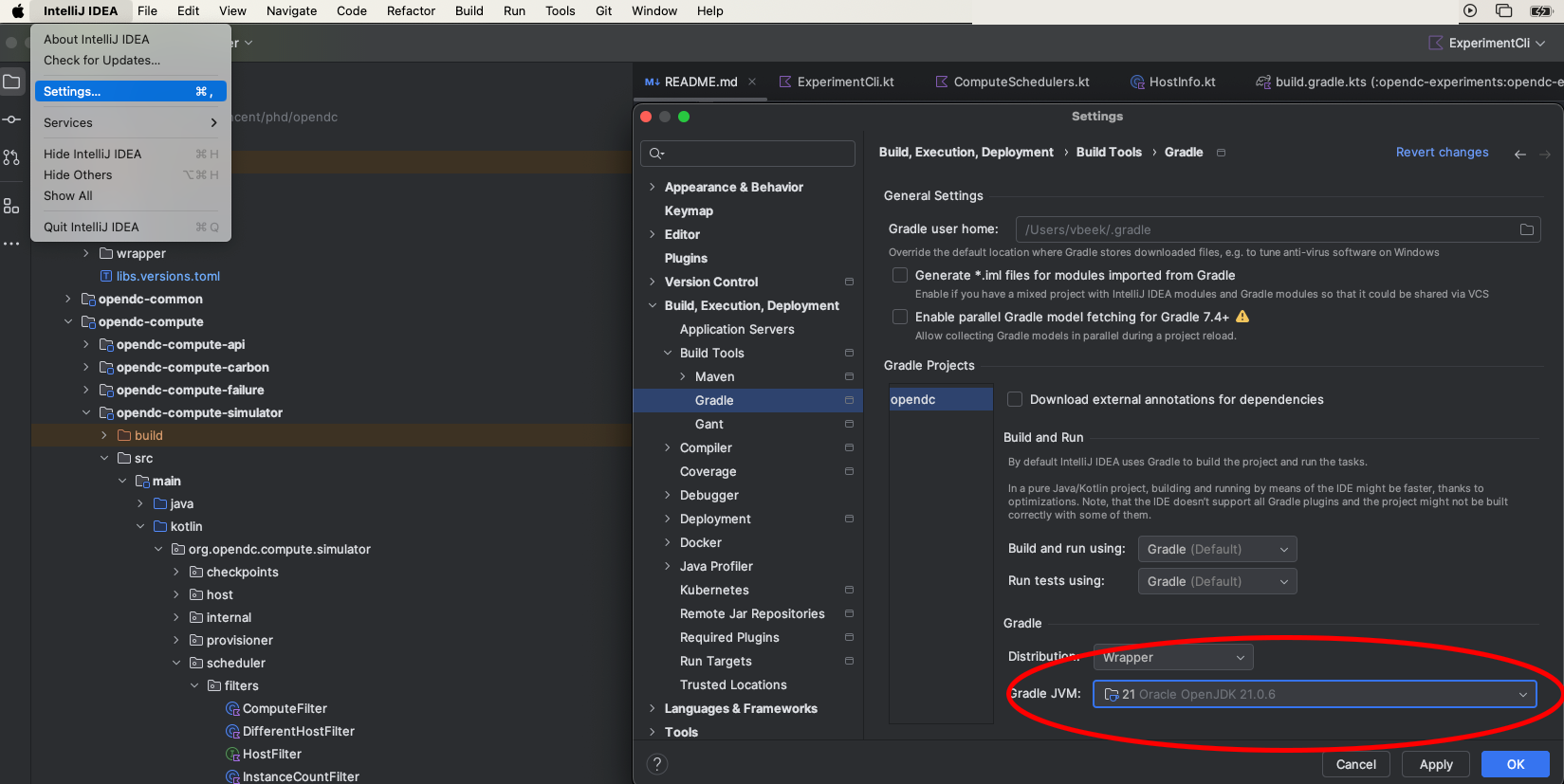
-
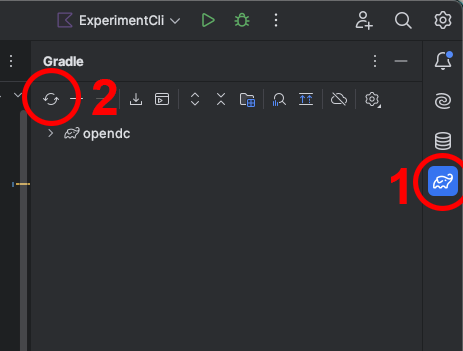
Open the Gradle panel on the right (1), and reload the project (2).
Running an experiment from source
- Open
opendc-cli/src/main/kotlin/org/opendc/cli/Main.kt. - Click the run arrow next to
fun main, and choose Modify Run Configuration.... - Set Program arguments to the command to run, such as
run experiment.json --no-progress. See Running OpenDC3 for the commands and options. - Set Working directory to the folder with your experiment files.
- Run the configuration, or start it in debug mode to use breakpoints.
--no-progress turns off the dashboard, which does not work well in the IntelliJ console.